
Direct answer
BusinessSetu software and its implemented modules are permanently free. Customer prices, invoices and payment records remain intact. Separate provider charges may apply under your chosen terms; individually agreed custom work is separately quoted.
Why freelancers lose money between hello and payment
A freelancer's cash problem is rarely pricing. It is the gap between work finished and money banked. The enquiry sits in WhatsApp, the quote is a screenshot, the invoice is a template file with the wrong month, and the follow-up depends on mood. Every step exists, but nothing connects.
The fix is not a heavy CRM with pipelines, seats and dashboards you will never open. It is one connected path: client, quote, invoice, payment, reminder. BusinessSetu describes the freelancer flow in exactly these words: save enquiry, share quote PDF, convert to invoice, send WhatsApp reminder. This article expands that into a working week.
Example: Meera is a content designer in Pune who handles six to eight clients a month, mostly on fixed-scope projects with 50 per cent advance. Everything below is her loop.
Step 1: Save the enquiry the day it arrives
BusinessSetu software and all implemented modules are permanently free. Customer prices, invoices and payment records remain intact. Separate provider charges follow your chosen provider terms. Individually agreed custom work is separately quoted.
Why save the losses too? Because a lost lead with a reason is next quarter's client list. The board also lets you open WhatsApp straight from the lead context, so the record and the conversation stay together.
Step 2: Quote with terms, not vibes
Send a quote PDF listing services, taxes, notes and terms. Two fields do the heavy lifting for freelancers:
- Scope in one line per item. "Four landing pages, English, one revision round" prevents the slow drift into unpaid work.
- Payment terms. Advance percentage, balance due date, and what happens on delay. A term that is not written does not exist.
An accepted quote can become an invoice with one action, so you never retype the same line items and never bill an amount that differs from what the client approved. Open quotes stay beside the lead or customer, which means the follow-up question "did they confirm?" is a glance, not an excavation.
Step 3: Invoice the moment work starts or ends
Raise the invoice on the day the advance is due, not the day you feel like chasing. Choose a GST bill if you are registered, or a simple non-GST bill if you are not. Registration is a turnover and activity question; the commonly applied services threshold is Rs 20 lakh in a year in most states, lower in special category states, and you should confirm the current figure on the GST portal or with a CA.
Every invoice carries a number and a status: paid, part-paid, due or overdue. Your UPI ID rides on the bill as a scan-to-pay code, so the client can clear the advance from their desk without asking for your details.
Step 4: Record part payments honestly
Freelance reality is part payment: 50 per cent advance, 30 per cent on draft, 20 per cent on sign-off. Record each payment against the invoice when it lands and watch the pending amount update without a side spreadsheet. When the client asks "how much is left?", the answer is on the bill, not in your head.
Record payments from the web app even if you do everything else on the phone. The record is what matches your bank statement to your invoices at month end.
Step 5: Remind without dread
Most freelancers would rather lose money than send a second reminder. Make the reminder structural instead of personal. When a bill turns overdue, the app gives you the due context, and one tap shares a WhatsApp message that carries the invoice number, amount and UPI cue together. The design intent is controlled follow-up, not spam.
Sample message you can adapt:
Hello [name], sharing invoice [number] for [project]. Balance pending is Rs [amount]. The UPI QR is on the bill, or you can pay by bank transfer. Please confirm once done. Thank you.
Short, factual, no apology. Send it once, then call if it is still open a week later.
Step 6: Close the month like a business
On the last working day, export two things: the invoice report with number, taxable value, tax split, total, paid and pending, and the expense export with receipt references. Freelancers have expenses too: software subscriptions, a co-working day pass, courier for a printed portfolio. Photograph each receipt when it happens with vendor, date and category, and month end becomes ten minutes instead of a Sunday.
If your income is eligible for presumptive taxation under sections like 44ADA, clean monthly records are what make the simplified route defensible. Check current limits on the income tax portal with your CA.
When this stops being enough
One connected path works until you have a team, a salesperson, commission splits or service-level promises. Then you need a real CRM built around your process. At that point look at a custom CRM built for Indian SMEs, or read the custom CRM versus Salesforce versus Zoho comparison before spending on per-seat licences.
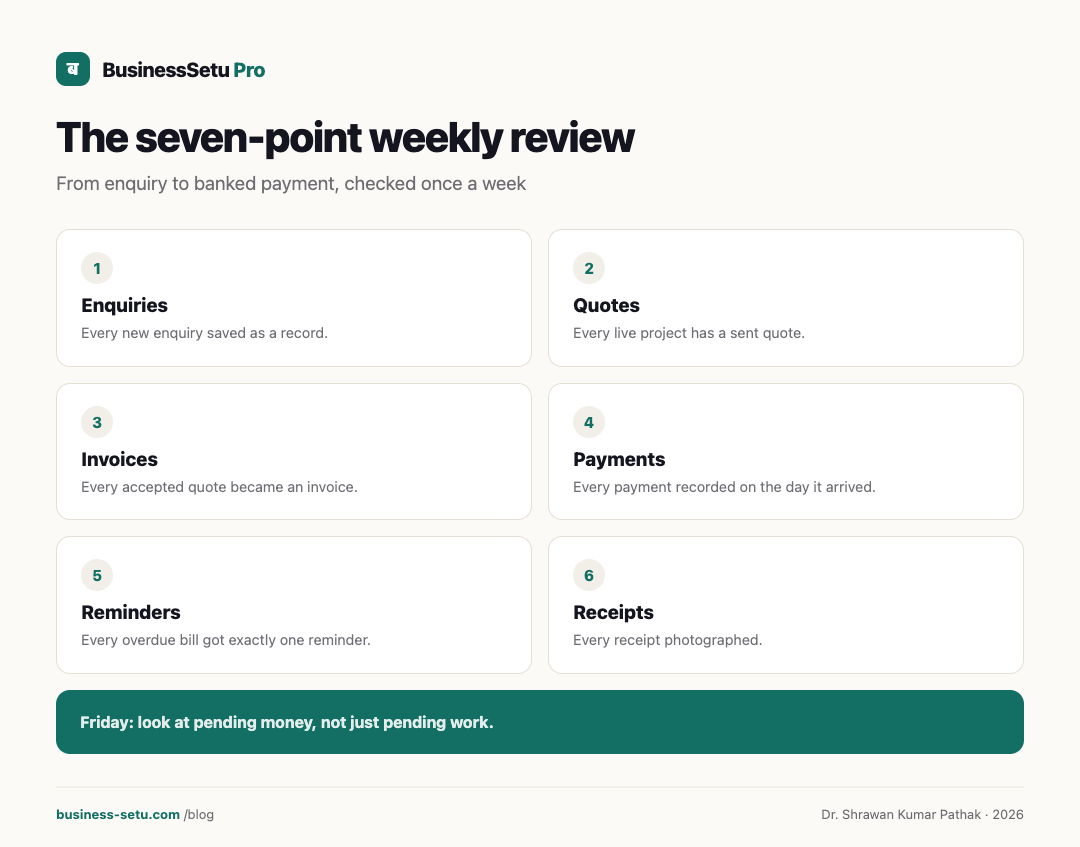
The seven-point weekly review
- Every new enquiry saved as a record.
- Every live project has a sent quote.
- Every accepted quote became an invoice.
- Every payment recorded on the day it arrived.
- Every overdue bill got exactly one reminder.
- Every receipt photographed.
- Friday: look at pending money, not just pending work.
Frequently asked questions
Do I need the leads module as a freelancer?
BusinessSetu software and all implemented modules are permanently free. Customer prices, invoices and payment records remain intact. Separate provider charges follow your chosen provider terms. Individually agreed custom work is separately quoted.
Can I bill a foreign client from this?
You can raise a simple invoice, but cross-border payments bring GST on export of services and FEMA banking rules. Track the payment here and take advice on the tax treatment.
Does it write contracts?
BusinessSetu software and all implemented modules are permanently free. Customer prices, invoices and payment records remain intact. Separate provider charges follow your chosen provider terms. Individually agreed custom work is separately quoted.
What happens if a client pays in parts over months?
Each payment is recorded against the same invoice, and the status stays part-paid with the pending amount visible until cleared.
Is my client data safe?
The security page confirms TLS 1.3, bcrypt password hashing, daily backups kept 14 days, and hosting on Indian servers in Indian data centres.
What does it cost?
BusinessSetu software and its implemented modules are permanently free. Customer prices, invoices and payment records remain intact. Separate provider charges may apply under your chosen terms; individually agreed custom work is separately quoted.
Next step
BusinessSetu software and its implemented modules are permanently free. Customer prices, invoices and payment records remain intact. Separate provider charges may apply under your chosen terms; individually agreed custom work is separately quoted.